The graph my Mac kept about me
7 November 2026
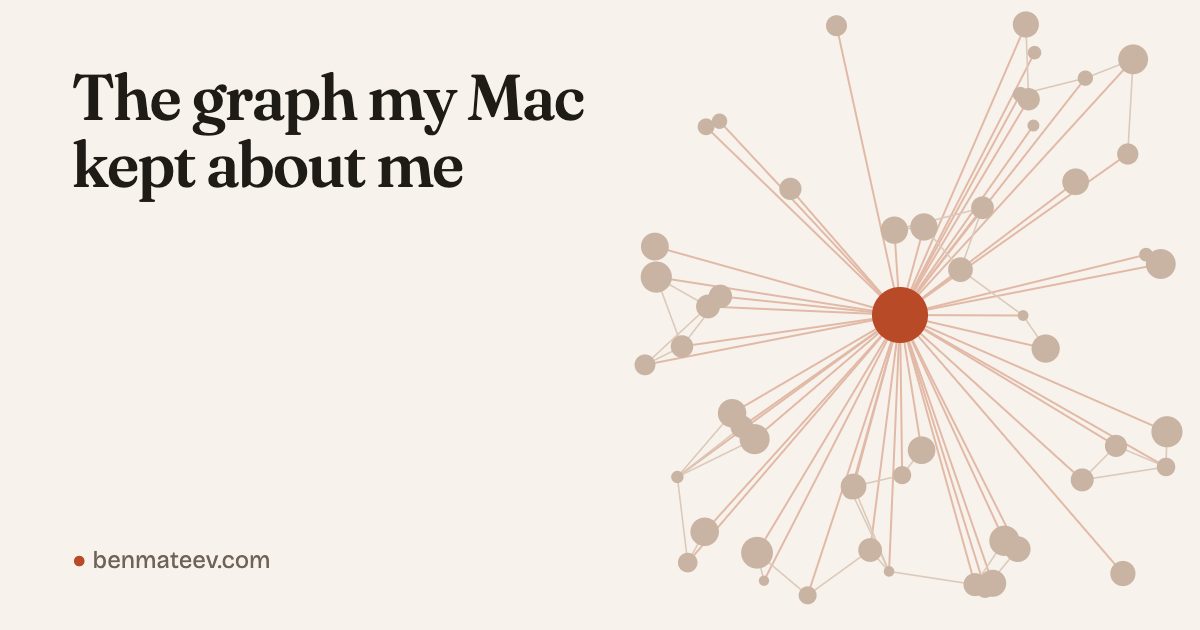
Tonight I opened a database on my Mac that I did not know existed. It holds more than 60,000 facts about me and the people around me: almost 400 people, about 250 employers, over 100 calendar events. It knows who I write to on WhatsApp, how often, and when I stopped. It gives each person a score for how likely they are to be family. My Mac built it on its own.
What it is
Since macOS 13, two background processes, knowledgeconstructiond and intelligenceplatformd, build what the man page calls “a knowledge graph representing the device and the user.” That sentence is most of what Apple documents. On Apple’s forum people have asked for years why a file called graph.db keeps growing. Nobody there knew.
On 28 October Dario Pasquini and Michał Bazyli published a full anatomy of it, and iKnow, a small local web app that opens the graph read-only. I cloned it, gave my terminal Full Disk Access and ran it.
Mine is 384 MB of SQLite in ~/Library/IntelligencePlatform, first built in September 2024 and updated about once a day. Most of it is copied from Contacts, Photos, Calendar and Mail. What the graph adds is the links: this number, this email, this face and this meeting invitee are one person.
The table I care about is the interaction log. Metadata only, no message text, synced across my devices. Since September 2025: about 50,000 WhatsApp messages, 11,000 iMessages, 1,500 phone calls, plus Telegram, Signal and Instagram. My mail is in Gmail, my chats are in four apps, my calls are on my phone. This is the only place they all meet.
The guesses are weaker. A saved contact with no other signal scores about 0.84 on “family”, so the score alone says little. The graph also had me as a Principal Product Manager at Microsoft, because my own contact card still said so.
Plugging it into my chief of staff
My AI chief of staff reads my mail, calendars, Todoist and WhatsApp and writes my morning briefing. It did not know when I last spoke to someone. So I wrote a short read-only script over the interaction log: who I talk to most, who I talked to regularly and then stopped, and when I last spoke to a given person.
The first run was wrong. WhatsApp reports group chats as people, so “Besties” and “LAB” showed up as dormant friends. Keeping only entries with a phone number or email removed about a quarter of the “people”. Of the rest, I talked to well over a hundred in the last 90 days, and dozens went quiet for more than 45 days.
The briefing now shows, next to each meeting, when I last spoke to that person and where. On quiet days it names one person I haven’t heard from in a while. It gets names and counts, never message content. Whatever an agent reads goes to whoever runs the model, and the people in this graph never agreed to be in it.
Fixing what feeds it
The graph showed me how bad my contacts were. Cards spread across iCloud, Gmail and a work account that disappears when I leave that job. My mother and sister had no relation to me. Dozens of people existed twice. I have ten people called Max. When I tell my assistant “message Max”, it can only pick the right one if Max is one card with one number.
So everything moved to Gmail, matched on numbers and emails instead of names, with Google’s merge tool for the hundred or so unclear cases. My card now names my mother and sister, so family is a fact instead of a score, and says CTO at Umane instead of Microsoft. A timestamped backup before every step. Nothing deleted.
Things broke. Apple’s Contacts framework crashed on one Gmail card, so I wrote to Google’s API directly. My Google login was read-only for contacts, twice, for two different reasons. Apple’s vCard export drops photos without saying so, and a script had to put them back. And my agent refused two things I asked for: running code from a repo I had just cloned, and copying my Google credentials into a temp file. It was right both times.
The whole thing was about ten messages over an evening. “Help me understand what this does.” “Can I use this for my chief of staff?” “Back up before every step.” “No contacts lost.” Claude Code wrote the scripts, ran the backups and asked before anything it could not undo.
Try it
I packaged the two simplest questions, who I talk to most and who I stopped talking to, as People Pulse, an extension for the Claude desktop app. Download one file, double-click it, allow it to read the log, ask. It also preps meetings and shows who Apple thinks is your family. Mine counts a former colleague. It returns names, dates and counts, never message content, and masks numbers that aren’t in your contacts. One file, no dependencies, open code, no Terminal.
Next for me: a LinkedIn export, matched by email, to fill in the company on the hundreds of cards that still have none.
Your Mac has this graph too. Have you looked at what it says about you?